Pay checks are issued bi-weekly on Fridays. We start payroll the Monday of that week. Your commission reports will be ran either Monday or Tuesday am. You can view your commission report in Agemni by going to : AGEMNI / REPORTS / PAYROLL / PAYROLL HISTORY **the begin date you choose should be that Monday and the end date can be that Friday. This report pulls off of the day we actually ran the payroll report, not the date of the sale. If you would like to view a longer period, just make the begin date sooner.
- You will see a plus symbol on the right hand side of the screen – if you click it it will show you everything on your commission detail by customer, including the products paid and the amount.
- Please keep in mind a work order must be marked “completed” for it to show in the payroll report. So if something is marked “pending” still it will not be in your payroll report.
You will be issued a sneak peak of everything that is on your payroll either Monday or Tuesday the week payroll is run at the end of your shift. This will give you a chance to review your payroll and if you believe there are any errors we ask you to submit a ticket (see Payroll Questions) no later than Wednesday morning at 9am. This will give us a chance to review and correct any real errors in time for payroll. If you miss the deadline we will get the issue cleared up if we made a mistake asap.
HOW TO READ YOUR PAYCHECK
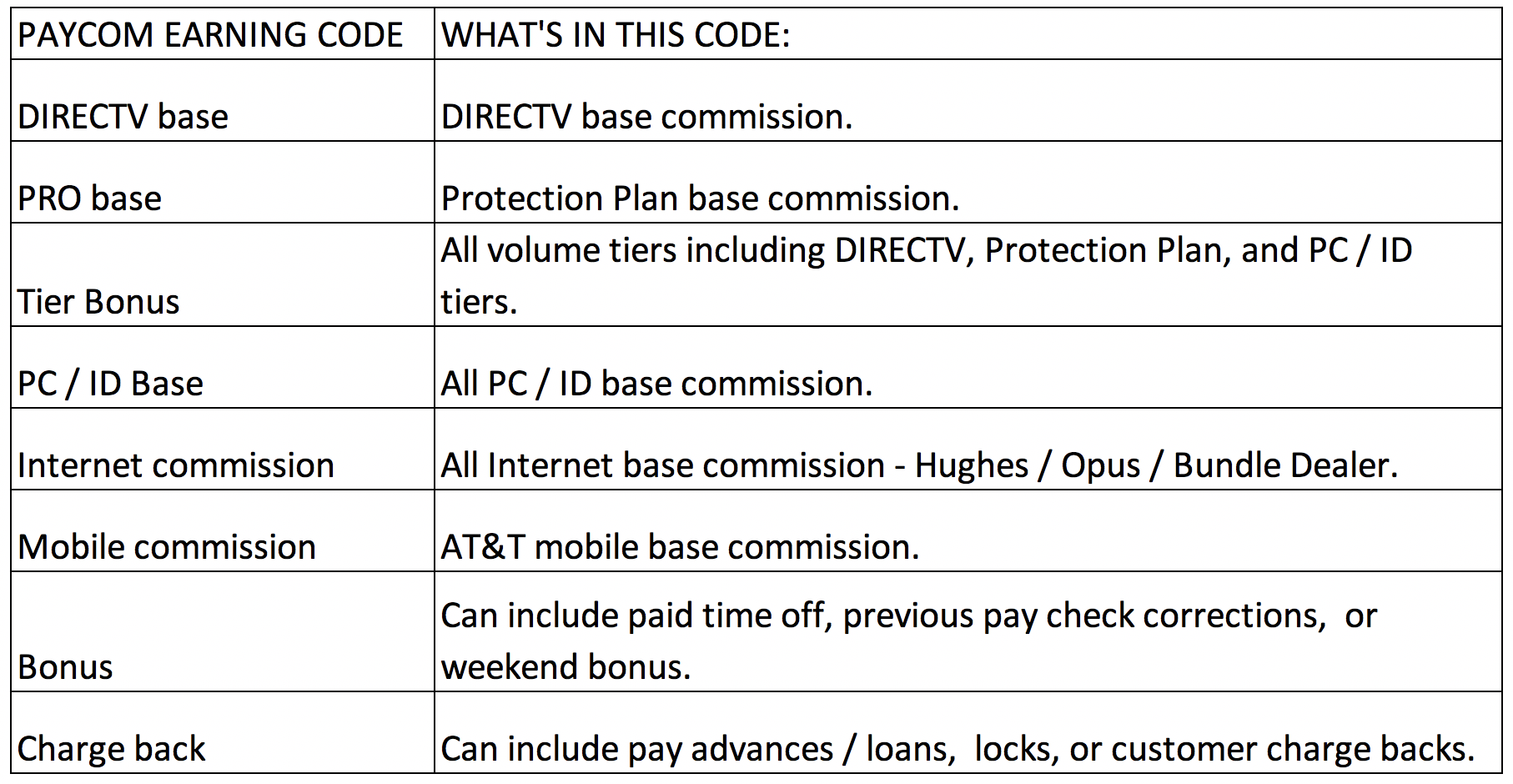
Paychecks are issued through Paycom, our payroll company. On your payroll sneak peak you will see all commission broken out into each product, but on Paycoms check stubs we only have a 8 different payroll codes we can use, so we have to lump different commission types together. For instance what shows as “Internet commission” on your check will include all of your Internet activations from all providers. Here are the codes and what each of them include:
You can enter Payroll Questions right through Paycom through your secure employee portal. This system will communicate directly with the person who handles payroll. You should ONLY add a ticket AFTER you have reviewed your payroll. Questions will be reviewed and answered several times a week. It can take up to 5 days to get a response, but we do our best to answer them quickly.
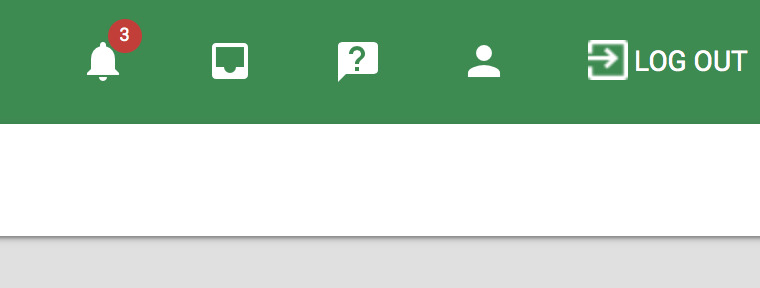
Log into Paycom and click the ? in the upper right hand corner.
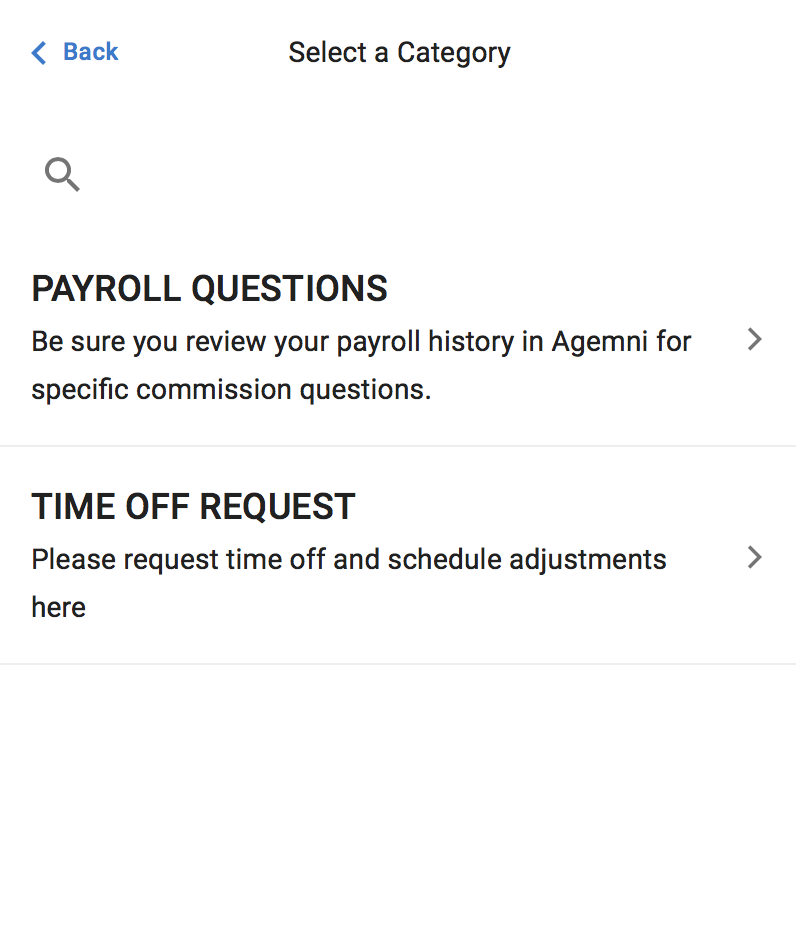
Select Payroll Questions
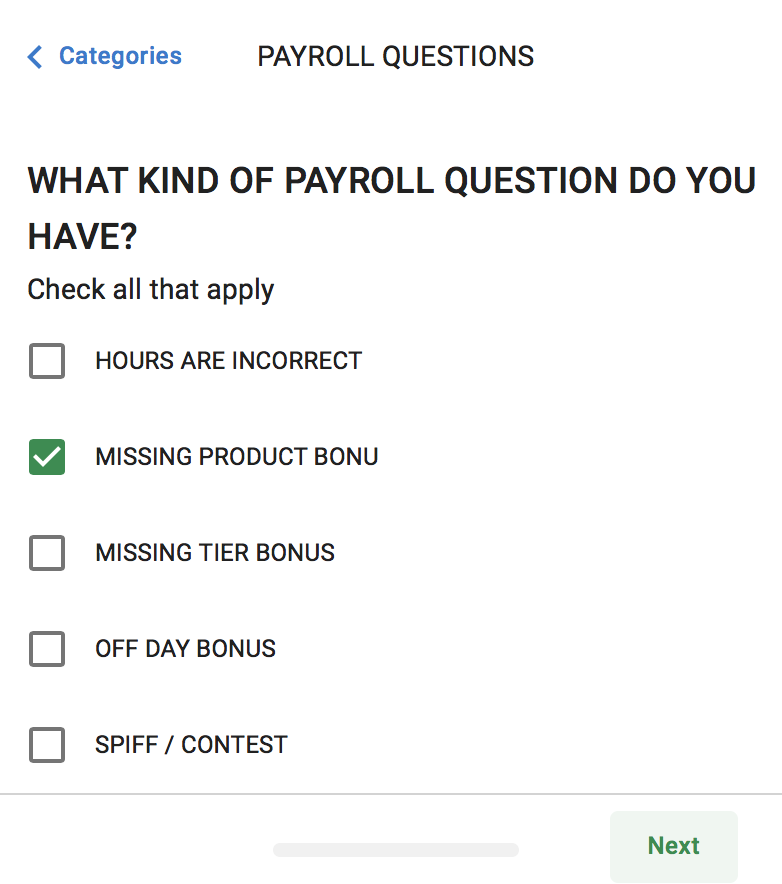
Choose what kind of payroll questions you have then select next in the bottom right:
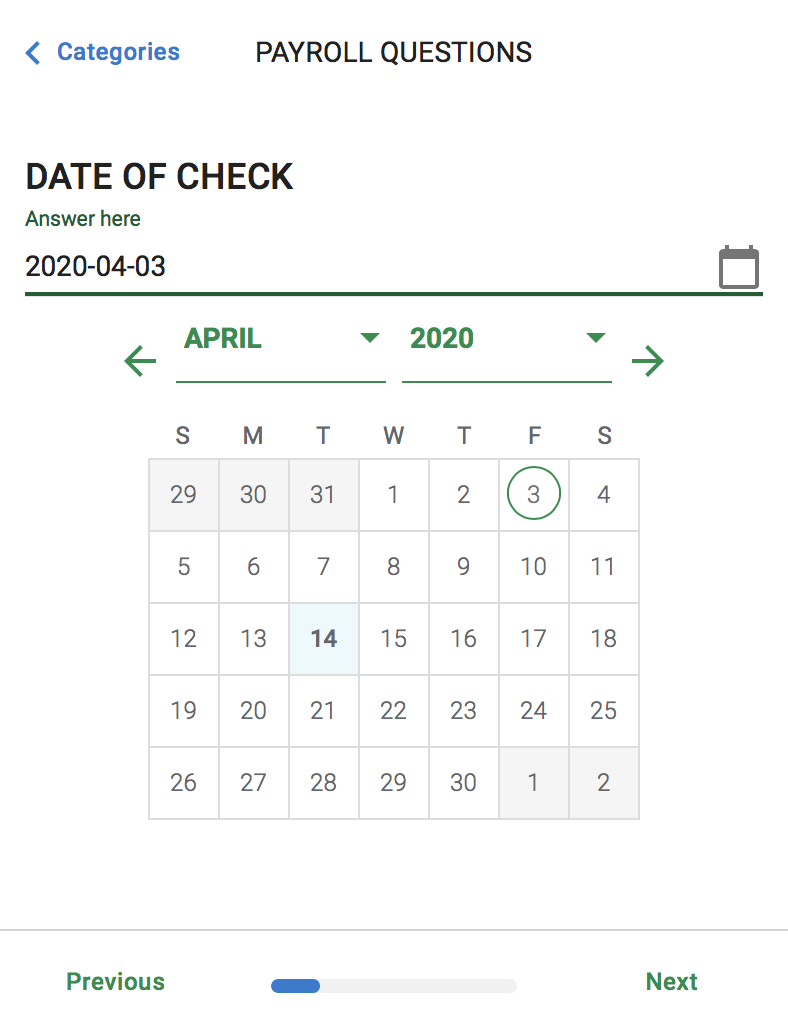
Select the check date OR date of the off day or spiff.
Enter the dollar amount of your inquiry:

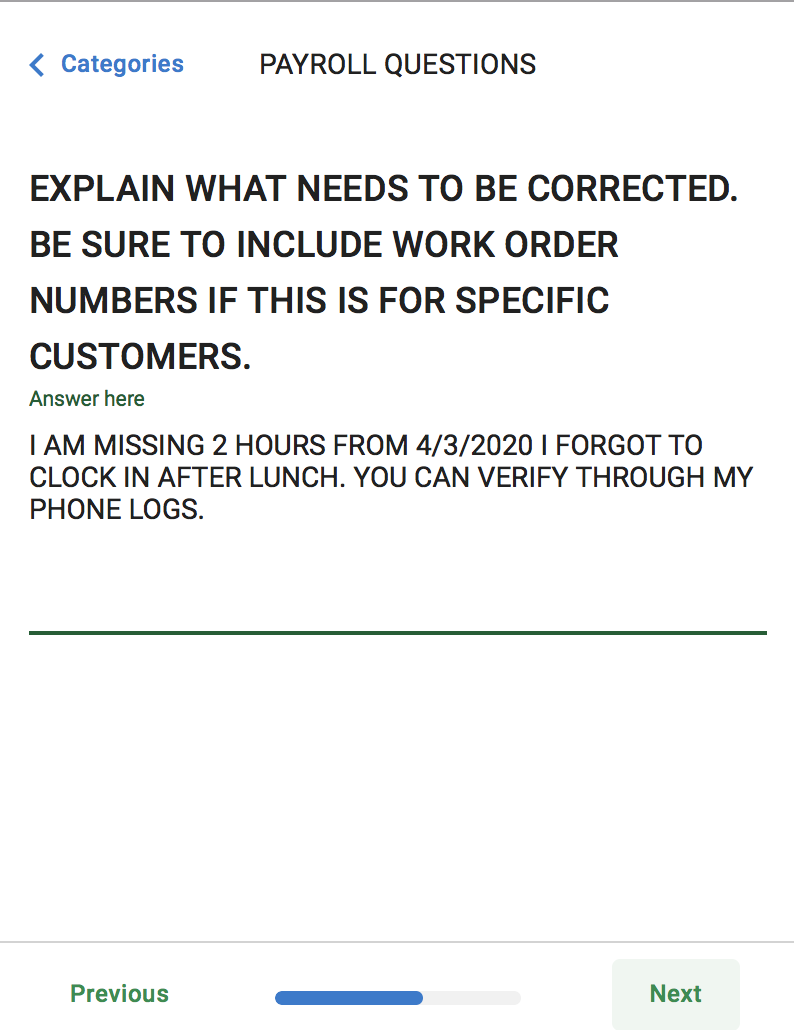
Explain what needs to be corrected in detail including specific customer info if need be:
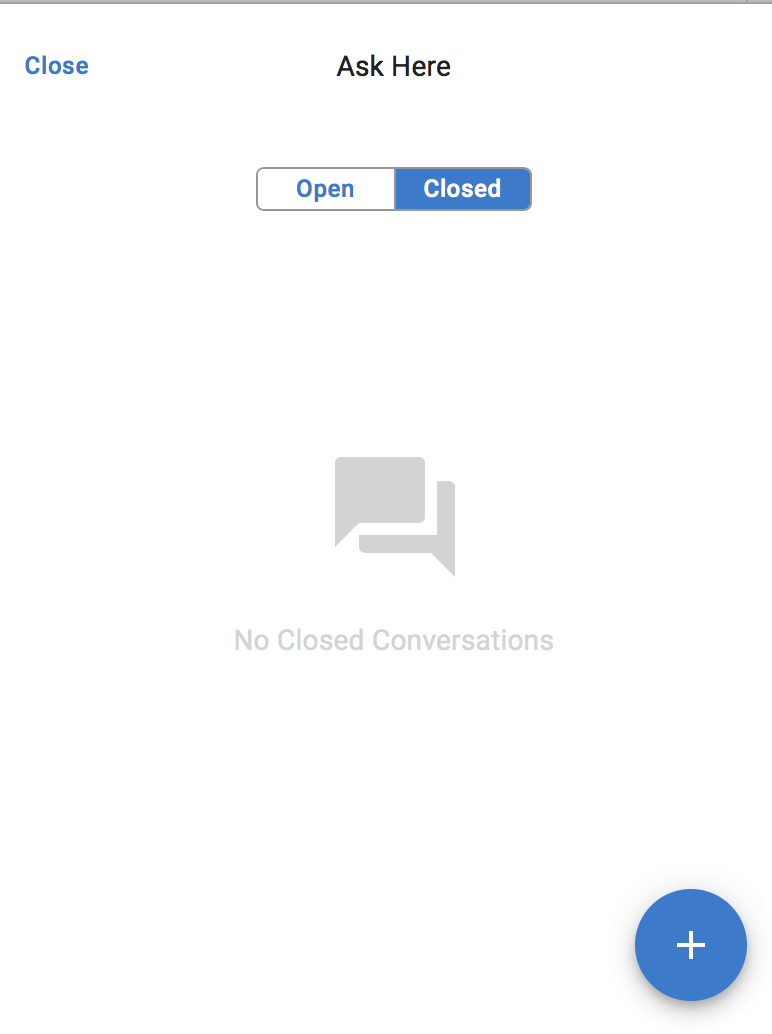
Your inquiry will be placed in the Ask here section and you will be answered back. You can see answers by clicking “Closed.”
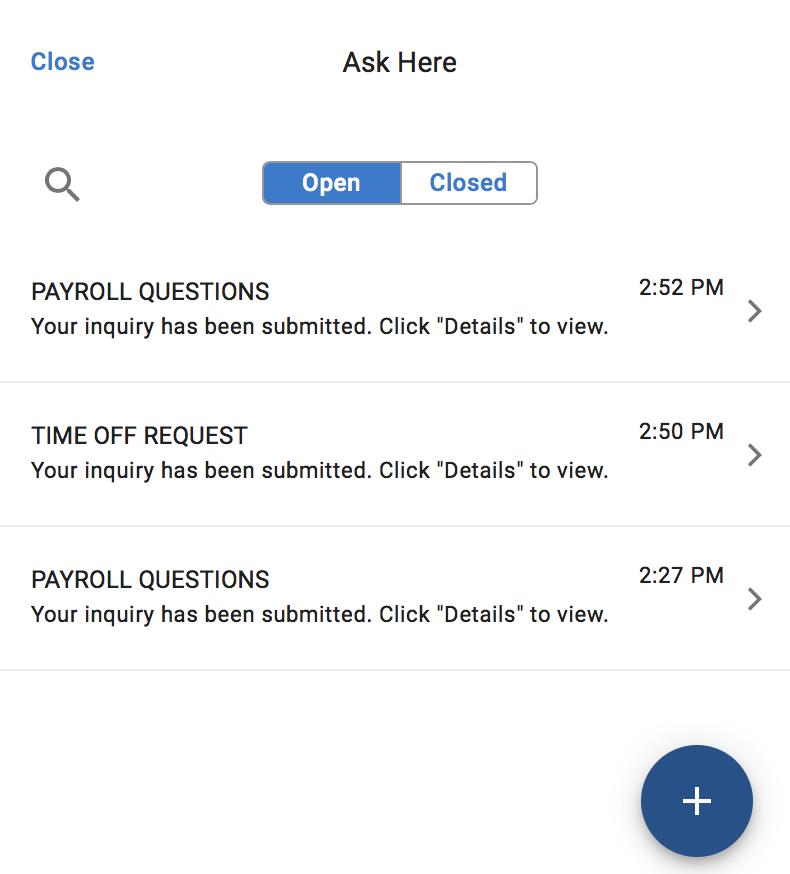
You can see open / unanswered questions in the “open” section:
Log into Paycom and click the ? in the upper right hand corner.
Select Time Off Request
Choose what kind of time off you are requesting then select next in the bottom right:
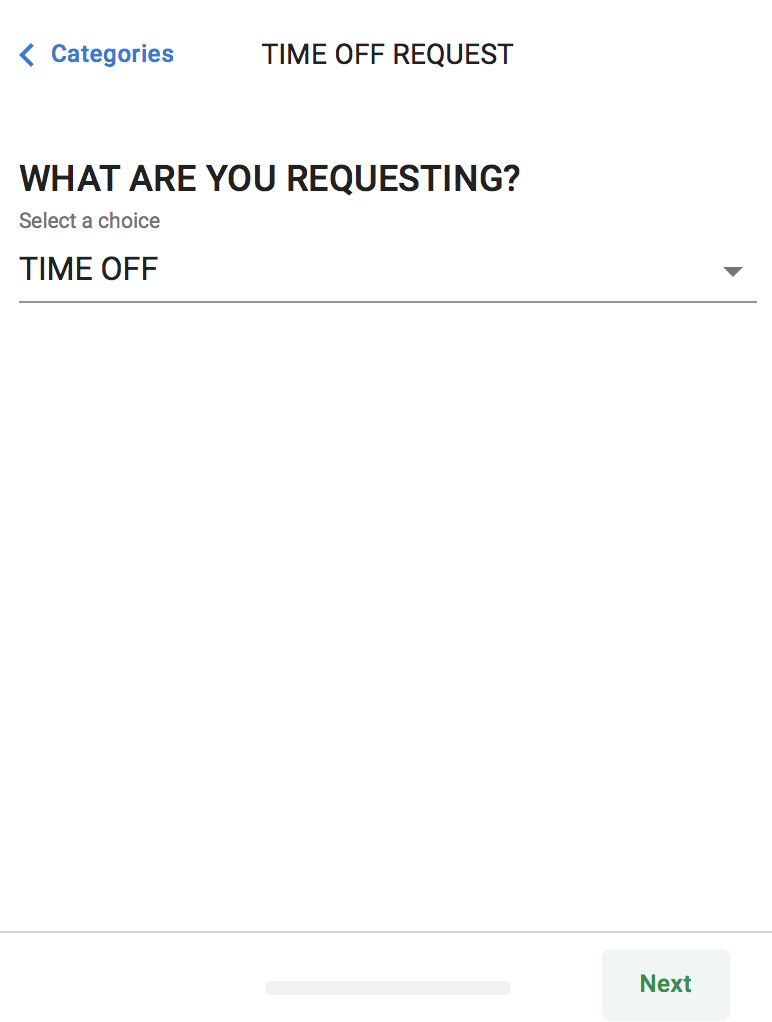
Write the dates and reason for your request and press Next.
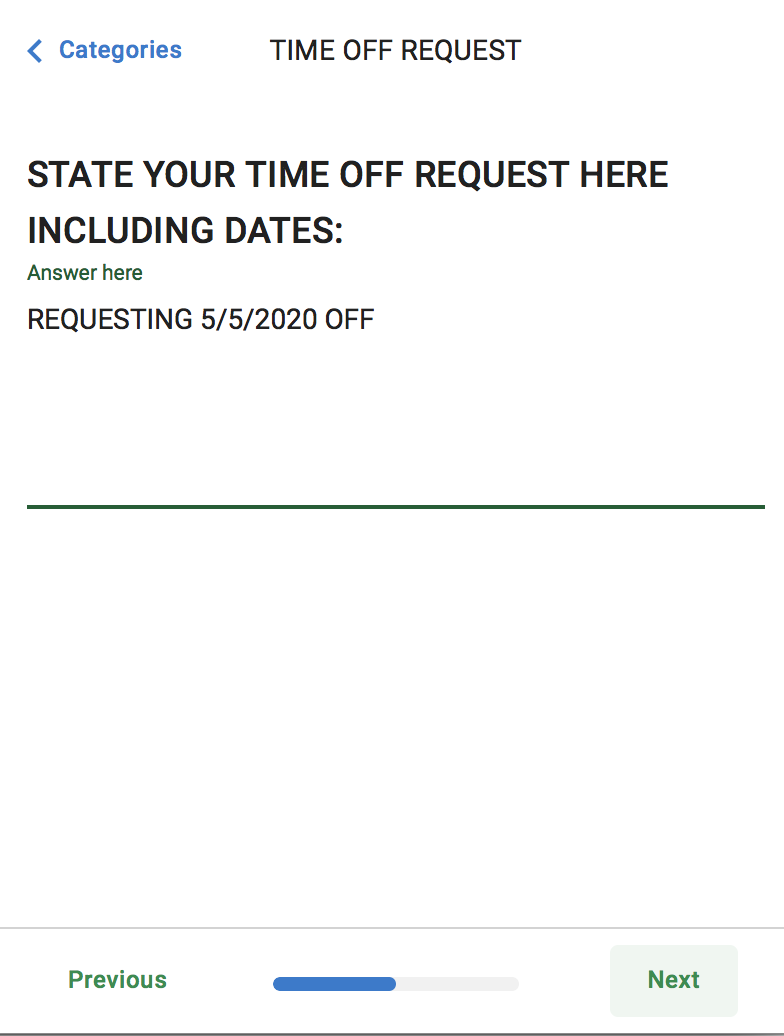
Choose what kind of time off you are requesting:
On the next screen double check what you entered and press Submit (or previous if you need to make changes):
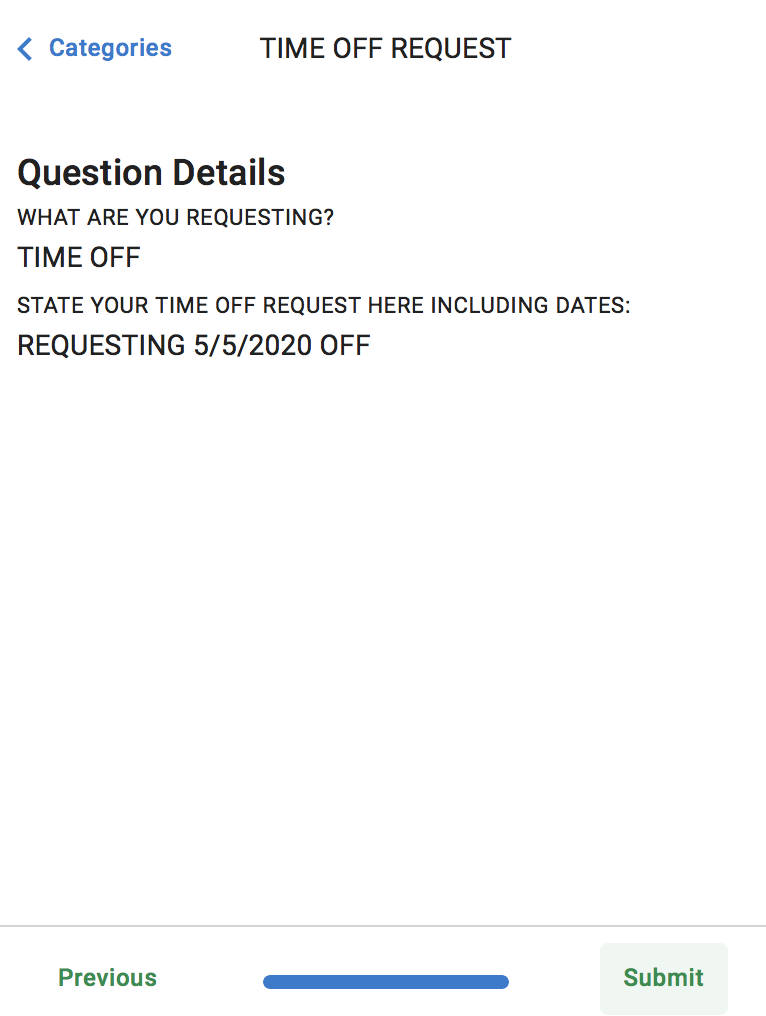
Your inquiry will be placed in the Ask here section and you will be answered back. You can see answers by clicking “Closed.”
If you do not have a direct deposit account for payroll you will be issued a pay card.
You will be issued this card once and your pay check will be deposited into it.
You can go to the ATM once every pay check cycle and withdraw funds or you can choose to use this as a credit card.